Is Retro Bowl Unblocked? Free Browser Play Explained
Published · 6 min read
Is Retro Bowl Free to Play?
Yes. Retro Bowl is free to play here: press Continue on the welcome screen, pick a team, and the whole career mode is open to you. There is no install, no app store and no payment step standing between you and your first season.
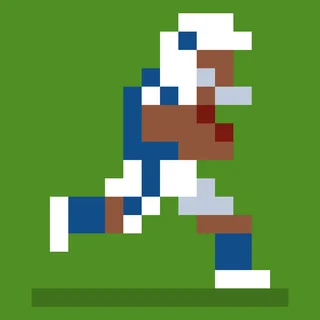
What you get is not a stripped-down demo. The build on this page is the HTML5 version, served from this domain, and it covers both halves of the game — the front office with its draft, free agents, contracts under a salary cap, morale and facilities, and the games themselves, where you throw every pass as the head coach. Open play Retro Bowl and you can be in the front office a minute later.
What Does Retro Bowl Unblocked Mean?
Retro Bowl unblocked is shorthand for playing the game on a network that filters game sites, usually at school or at work. The word is about where you reach the game — an HTML5 page that loads in the browser — not about a different version of it.
The football underneath does not change: the same 32-team league, the same 17-game season, the same three-round rookie draft and salary cap, the same 16-bit players who still drop a pass on third and long. Some search results add numbers or extra words to the title, but those belong to the name of the website, not to a separate edition of the game. What matters is landing on a page where the game runs in the page itself, which is the case here.
Can You Play Retro Bowl at School on a Chromebook?
Yes. This version is HTML5, so it opens in the browser like any other page on a school Chromebook, with nothing to install and no app store account to log into. A keyboard and a trackpad are all you need to run a full season.
Two things worth knowing before you start. First, if the page will not load on a particular network, that is the network filter rather than the game — there is nothing to fix inside Retro Bowl itself. Second, the career saves in the browser, so your progress stays on that Chromebook as long as the browser data stays put.
How Do You Play Retro Bowl in the Browser?
Press Continue, pick a team and you are running a franchise; on game day you take the snaps yourself. Drag away from the receiver you want to hit and release to throw, click the blue circle at the snap to hand off, and kick with two clicks — power first, then direction.
| Action | Control |
|---|---|
| Throw a pass | Click and drag away from the receiver, then release |
| Switch bullet or lofted pass | Right-click while aiming |
| Hand off to the running back | Click the blue circle at the snap |
| Scramble | Drag the other way to run, drag forwards to dive |
| Side-step while running | W and S |
| Kick | Two clicks — one for power, one for direction |
| Defense | Simulated; a drive ends when your offense's play ends |
Between weeks you are the general manager: sign free agents, keep contracts under the salary cap, scout the rookie draft and watch the morale of your key players. The two jobs feed each other — a roster that wins snaps keeps its players happy, and happy players catch the ball.
Does Retro Bowl Save Your Career?
Yes. The game saves your career in your browser on this device, so the same laptop or Chromebook picks up right where you left off, with your team, roster and season record intact.
That is why you can close the tab or shut the lid and come back later. There is no login step in the middle of it, and a save made in one browser does not travel to another device by itself. Play in the same browser on the same machine and your franchise keeps rolling.
Can You Play Retro Bowl on a Phone?
Yes. The build plays on a phone with touch controls, and the actions map cleanly: drag away from the receiver and release to throw, tap the blue circle at the snap to hand off, then tap twice for a kick.
The screen is smaller, but the career mode is the same one — same schedule, same draft, same salary cap, same morale swings. It is a comfortable way to squeeze in a game or two of a season on a bus, and the local save means the phone picks up the same career when you come back to it.
Do You Control the Defense in Retro Bowl?
No. Defense is simulated, so you never call a coverage or make a tackle — a drive ends when your offense's play ends. You control the quarterback, the ball carrier and the kicker, and those three jobs are the whole game on the field.
Because the other team's drives run themselves, the fastest way to lose is to give the ball away. Keep your own drives alive instead: throwing towards the sideline keeps the safety out of the play, and on a scramble you can run to the boundary and dive. A short gain near the sideline beats a sack in the middle of the field.
How Does a Retro Bowl Season Actually Work?
A career runs in a 32-team league over a 17-game schedule, and the wins are built in the front office: a salary cap, a three-round rookie draft you have to scout, free agents, trades, and a roster of up to ten key players whose morale rises and falls with playing time and results.
Everything then feeds back into the fans' mood and your job security, which is why the front office matters as much as the passing. One route worth trying is picking a bad team on purpose: the fans start with low expectations, and turning a two-win franchise into a Retro Bowl winner is the whole game.
Is Retro Bowl College a Different Game?
Yes. Retro Bowl College is a separate game listed on this site, so if you came looking for it, open it from the shelf rather than hunting for a college mode inside this page. The game here is the pro franchise version from New Star Games.
Both sit on the same football shelf, so you can move from one to the other without leaving the site. The pro game is the one with the 32-team league, the 17-game season and the front office described above.
What Other Football Games Can You Play After Retro Bowl?
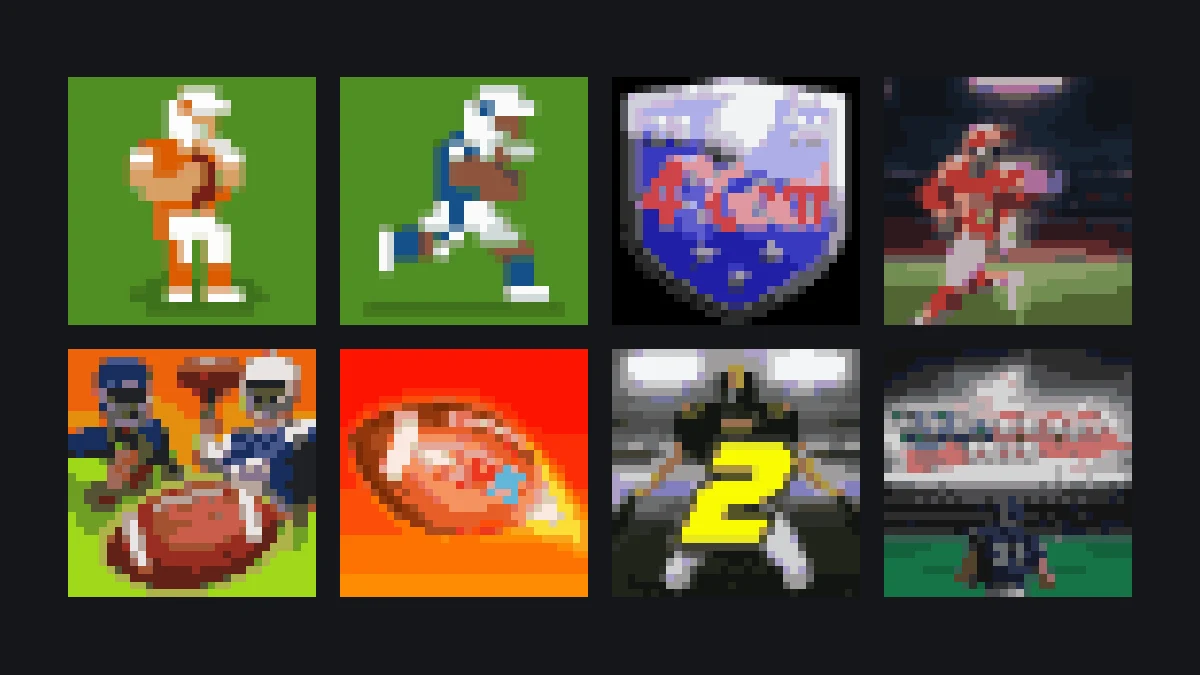
Retro Bowl sits on a football shelf with 4th and Goal 2026, 4th and Goal 2024, 2 Minute Football Classic, Linebacker Alley 2, Touchdown Rush, Axis Football League, Football Blitz and American Football Real.
- Try 4th and Goal 2026 next if you want another season-long American football game.
- Try 2 Minute Football Classic if you would rather have a quick arcade burst than a full franchise.
- Then work down the list — Linebacker Alley 2 and the rest are one click away from the menu.
If you have not finished your first Retro Bowl season yet, stay where you are. The draft, the cap and the morale system only start paying off once you have a couple of years of results behind you.
More from the blog
- Retro Bowl First Season: How to Rebuild a Two-Win Team
What to do with your first coaching credits, who to draft, which contracts to let go, and why a bad team is the right team to start with.
- Retro Bowl Passing Explained: Bullet, Lob, Scramble and Where to Aim
The browser controls, what the drag distance really does, how to read the coverage in three seconds, and the two habits that stop interceptions.